From the Home Page you can quickly and easily add time. Here are a few shortcuts.
Ways to add time in Week calendar view
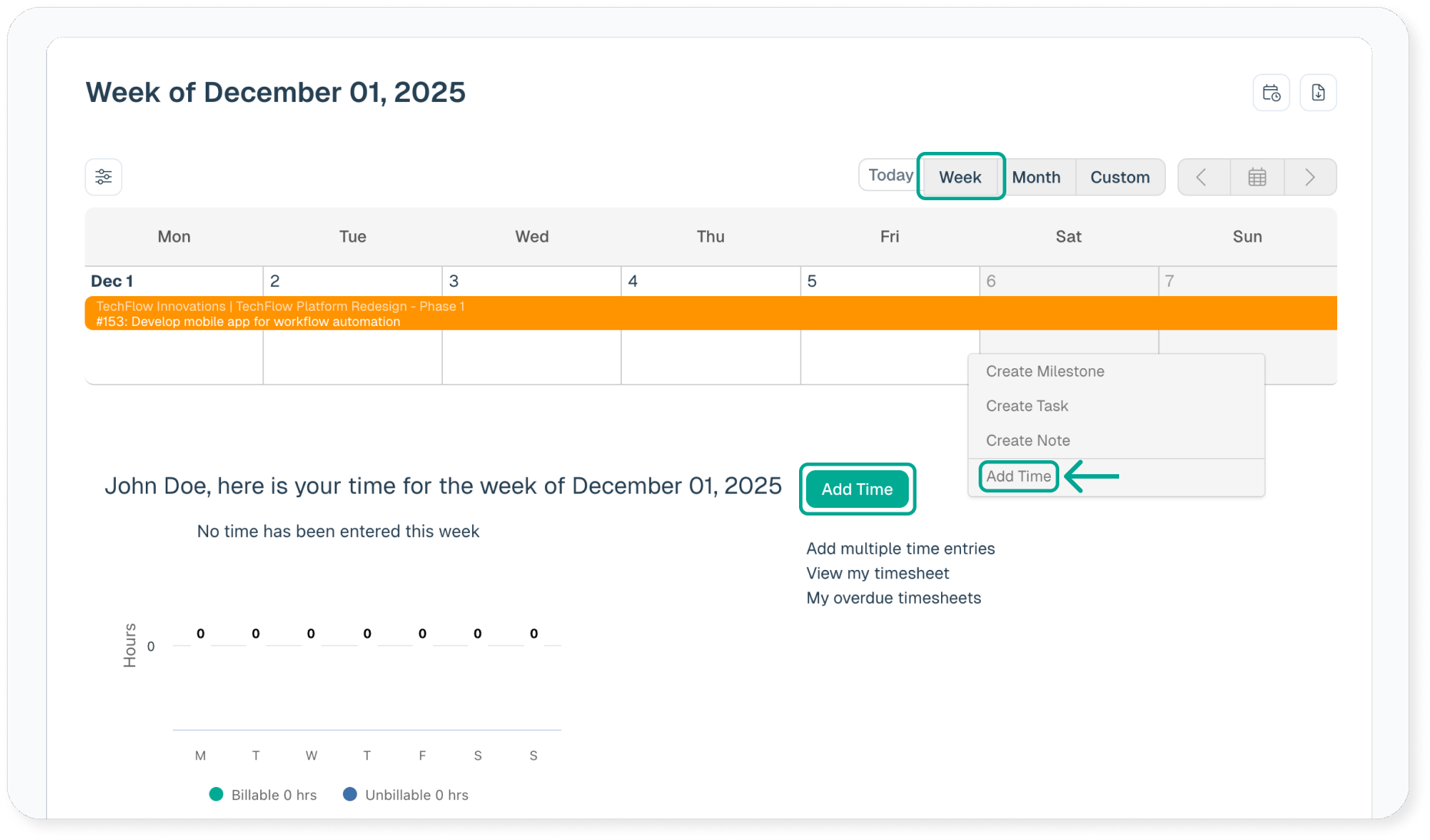
- Click on the Add Time button.
- Right click on a day to add time for that day.
-
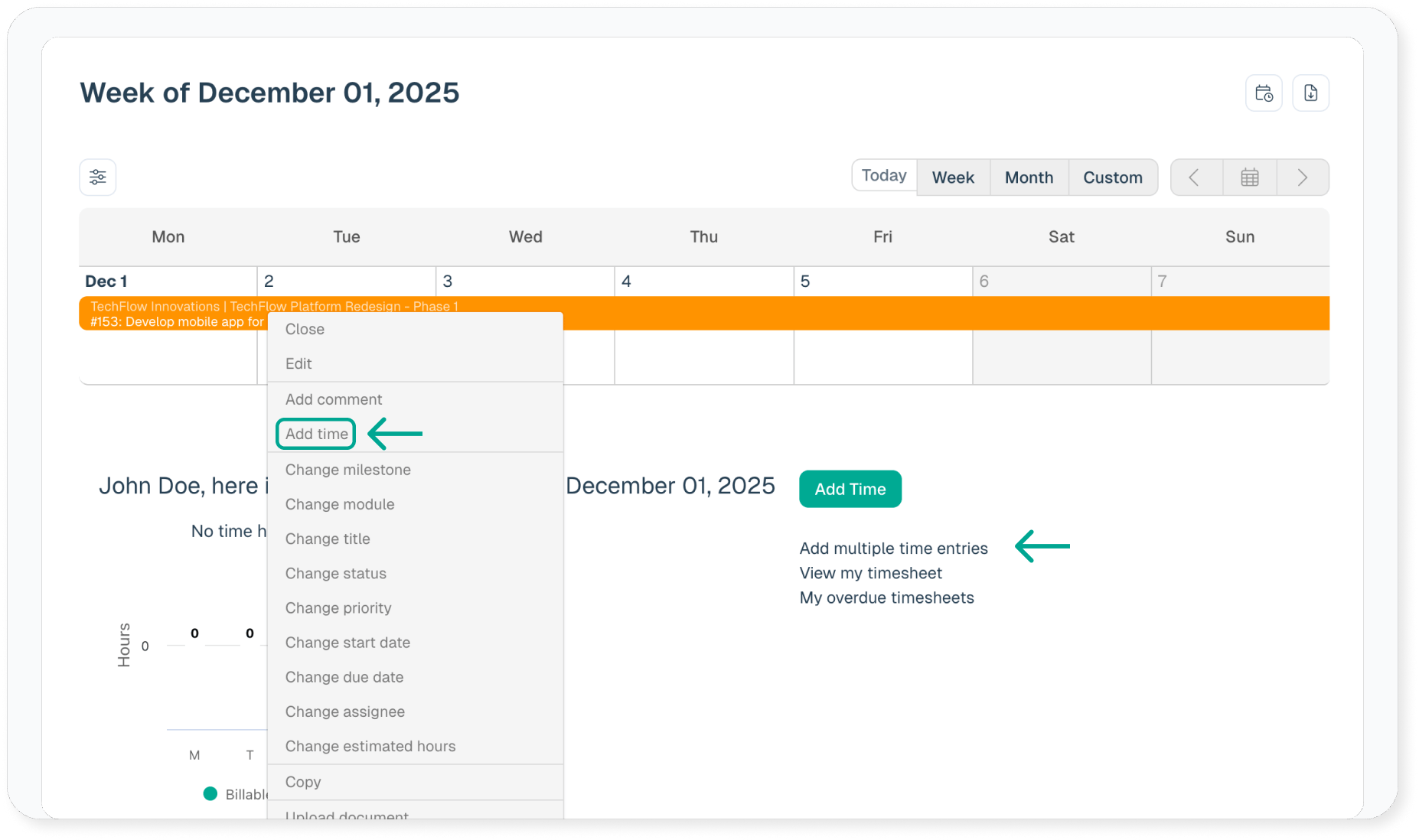
- Need to enter multiple time entries? Click on Add multiple time entries link.
- Right click on any task to enter time, directly on that task.
-
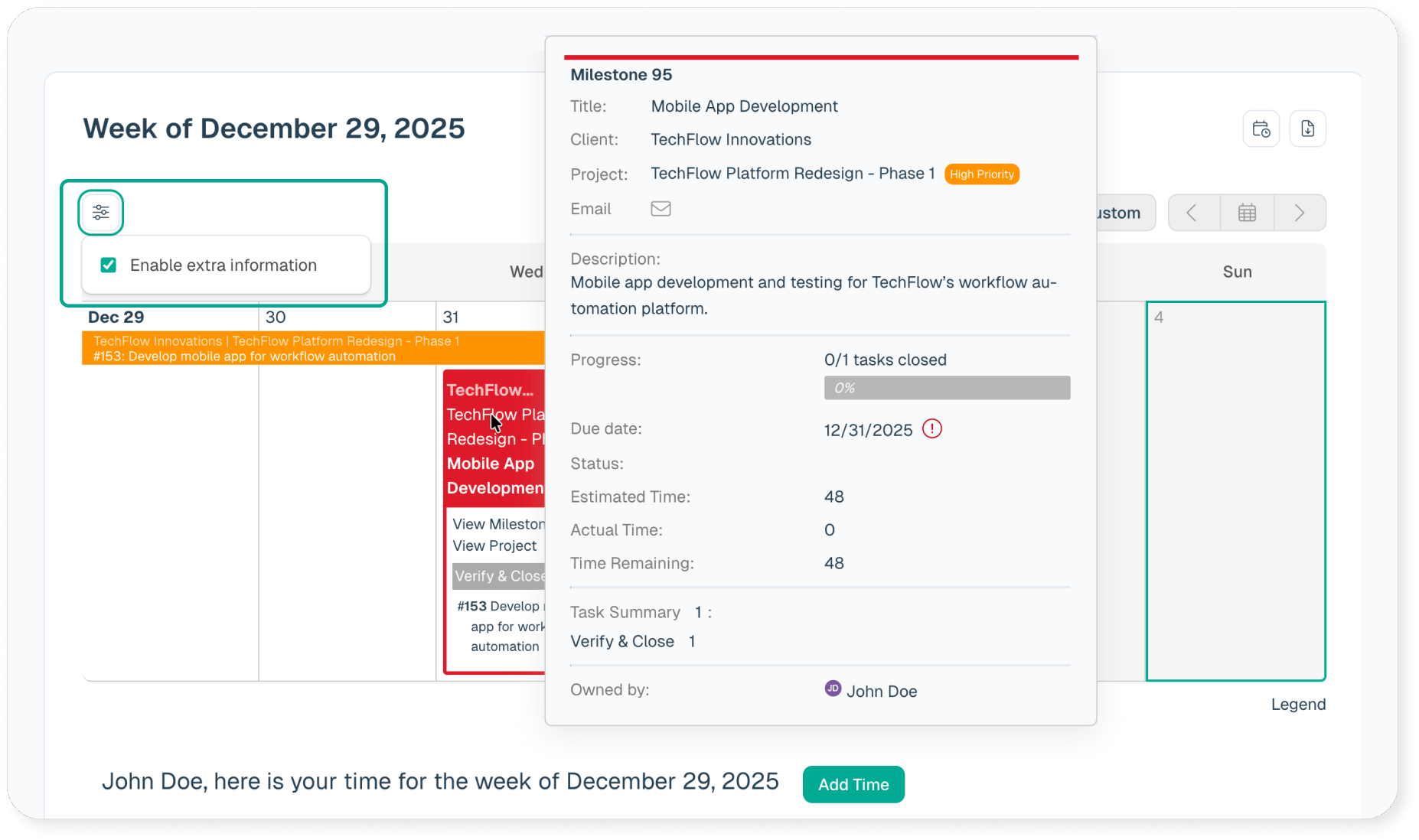
- Task Hover View
Hover pop-ups are available throughout Intervals. Anywhere there is a link to a specific task and the Enable Extra Information checkbox is selected on the home page, hovering over the task link will pop up information about that task.