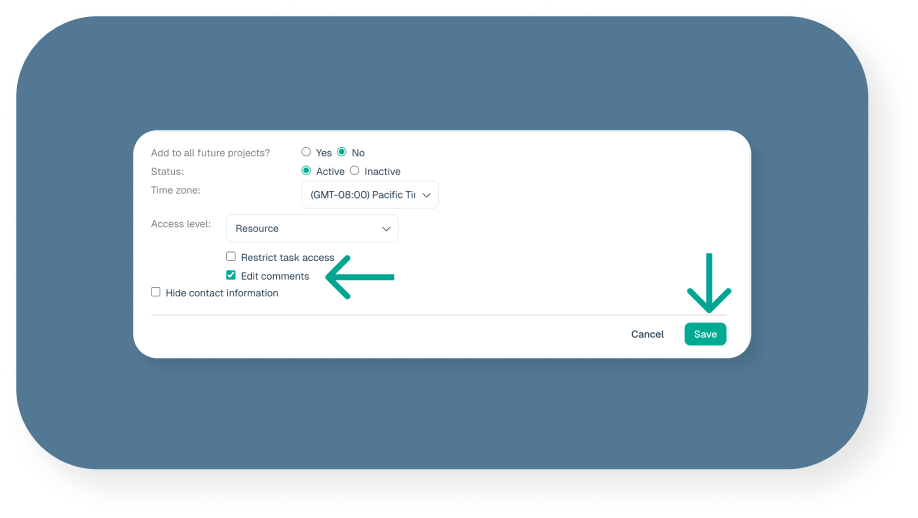
By default, only Administrator level users are allowed to edit and delete comments on tasks and milestones. Administrators can grant permission to Manager and Resource level users allowing them to edit and delete their own comments.
Note: Administrator level users are the only users that can edit and delete ALL comments.
To grant access:
1. Edit the user Login Information section under their User Profile
2. Check the “Edit comments” checkbox and save