
Introduction to Using Images Inline
You can paste images or drag and drop images inline with tasks, milestones, the work request queue, and project notes. Images used with email integration will also maintain their order and formatting. This featured is a big time saver if you work with images and screenshots a lot in your workflow.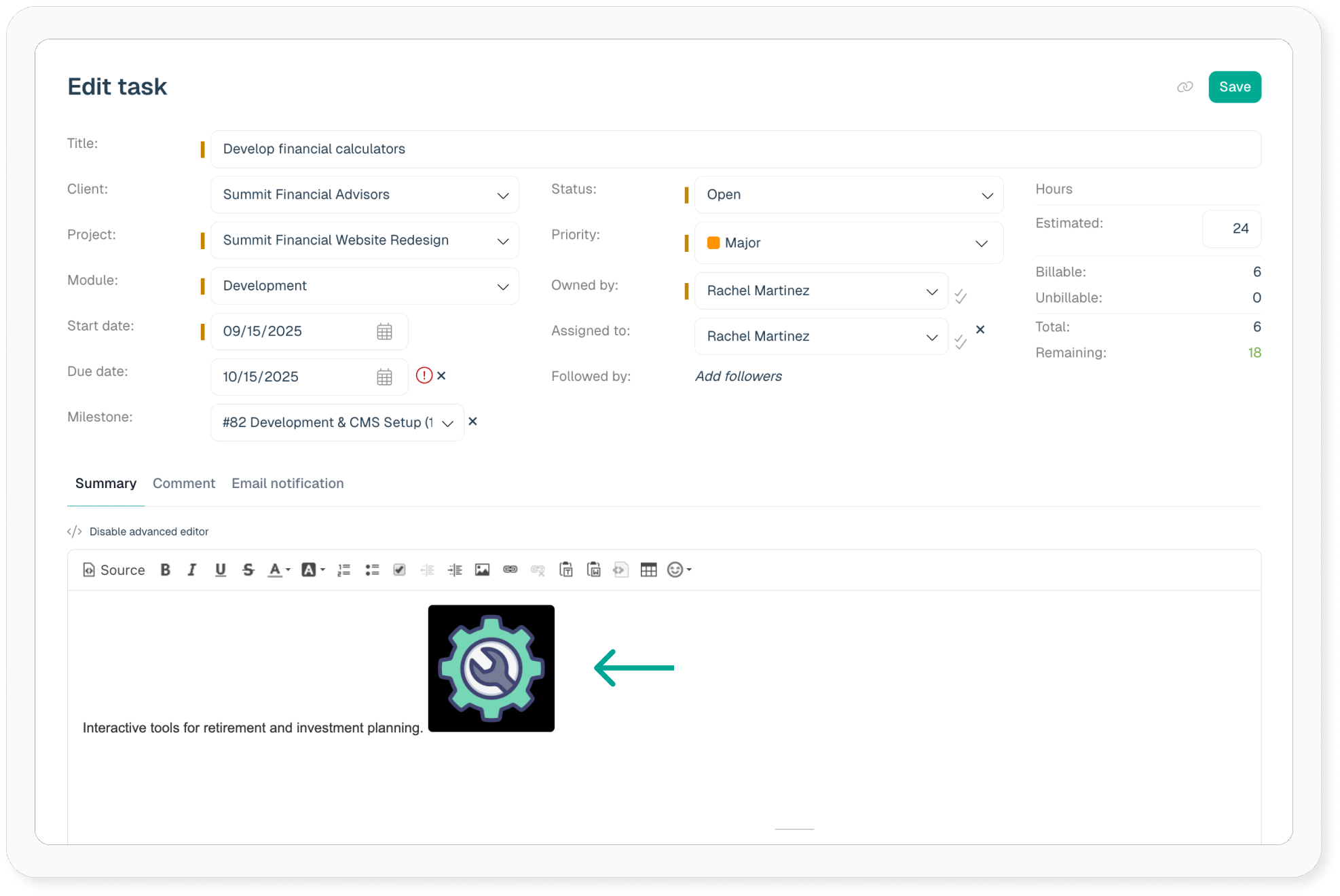
Benefits of using inline images
- Provide contextual instructions on task summaries
- Use email for iterating on proofs and making comments on design iterations
- Communicate more clearly what actions need to happen
- Use screenshots for procedures on project notes to make the instructions crystal clear
- Maintain detailed historical iterations on a task
- Emails to tasks and the request queue maintain proper formatting with images inline
- Easily use screenshots to report bugs and rendering errors