
Mold Intervals to match your workflow and processes
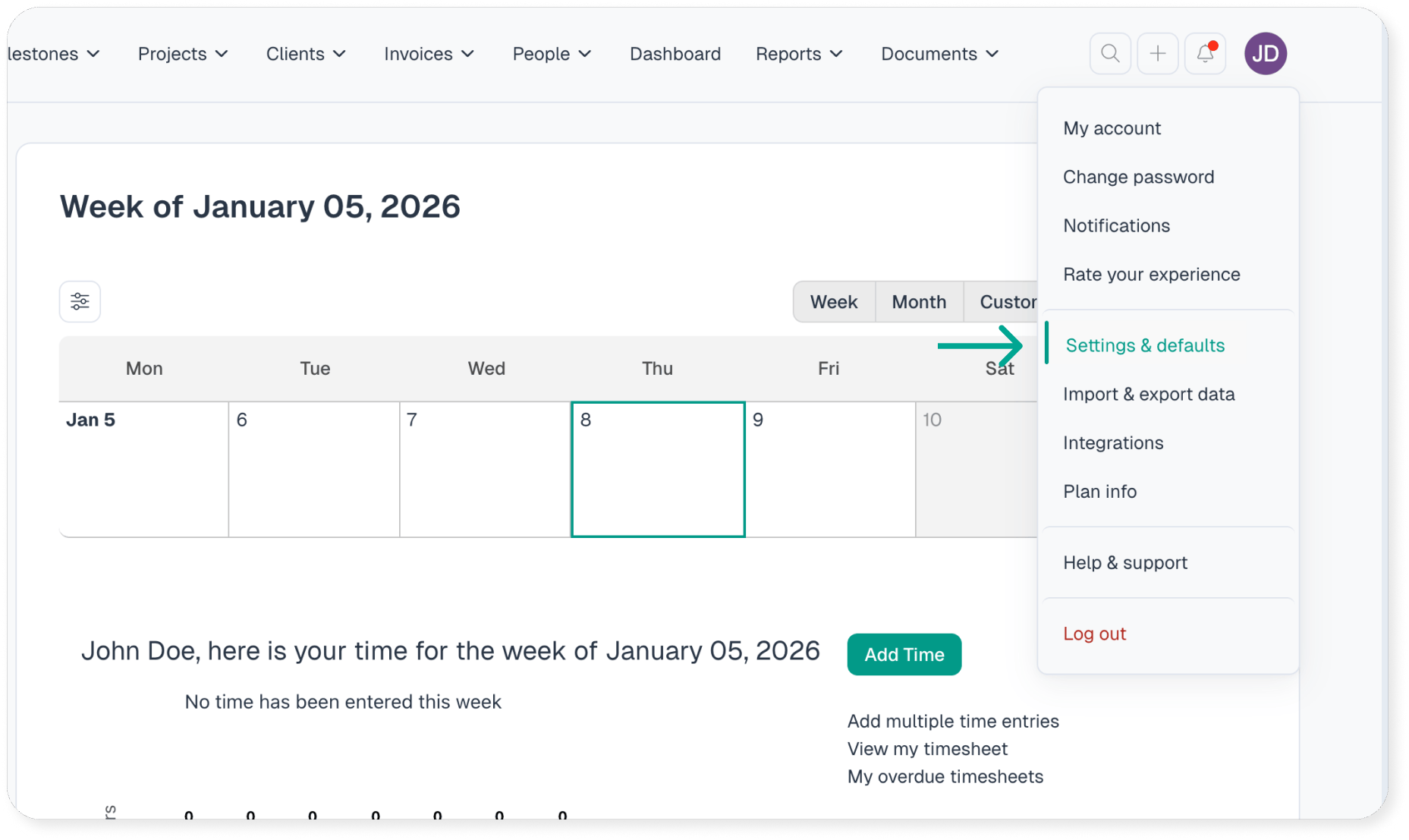
It all starts in Settings & Defaults. This section houses the defaults established when your Intervals account was first created.
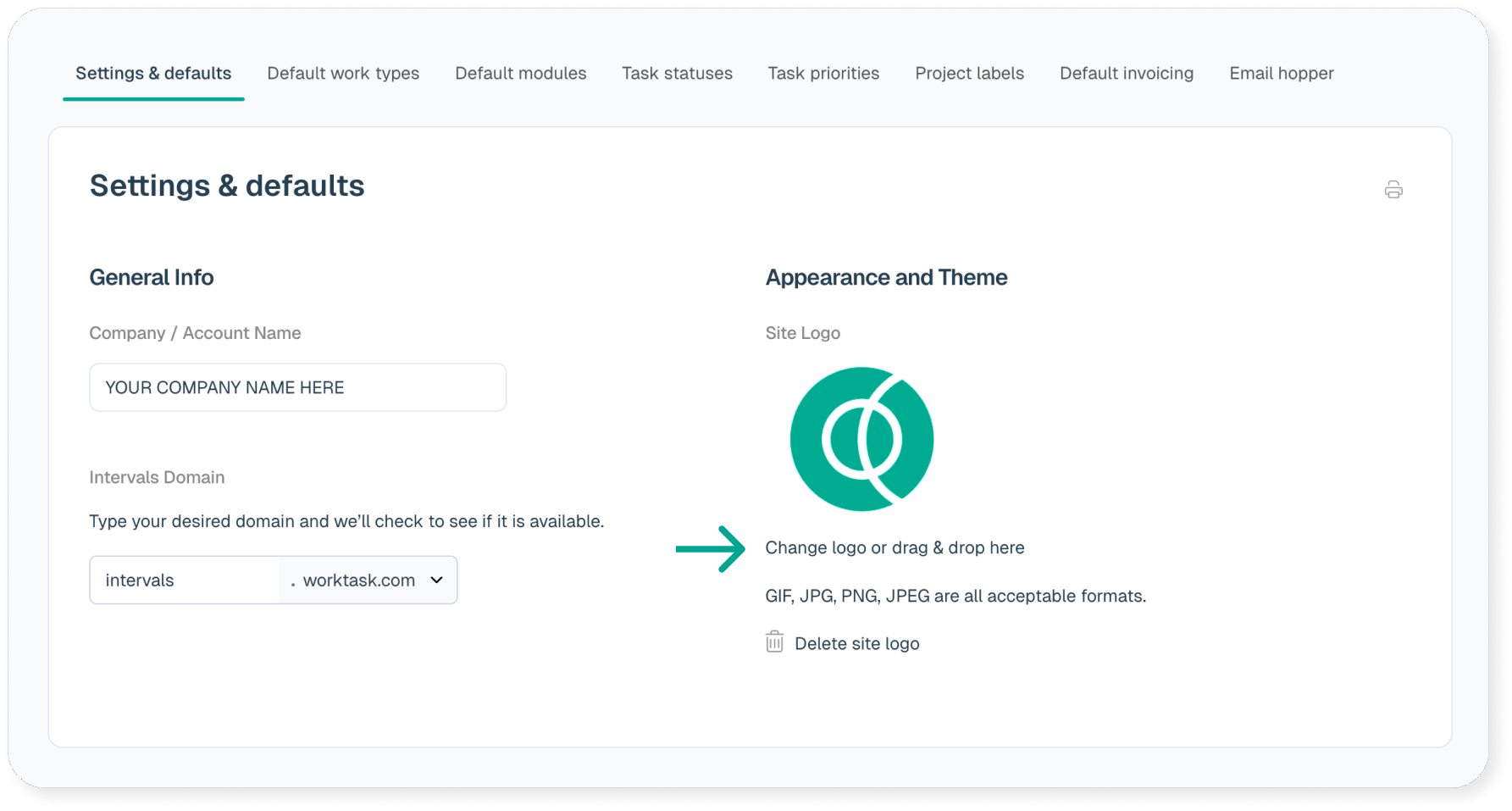
Want to customize Intervals and make it match your look with your own logo? No problem, just upload it.
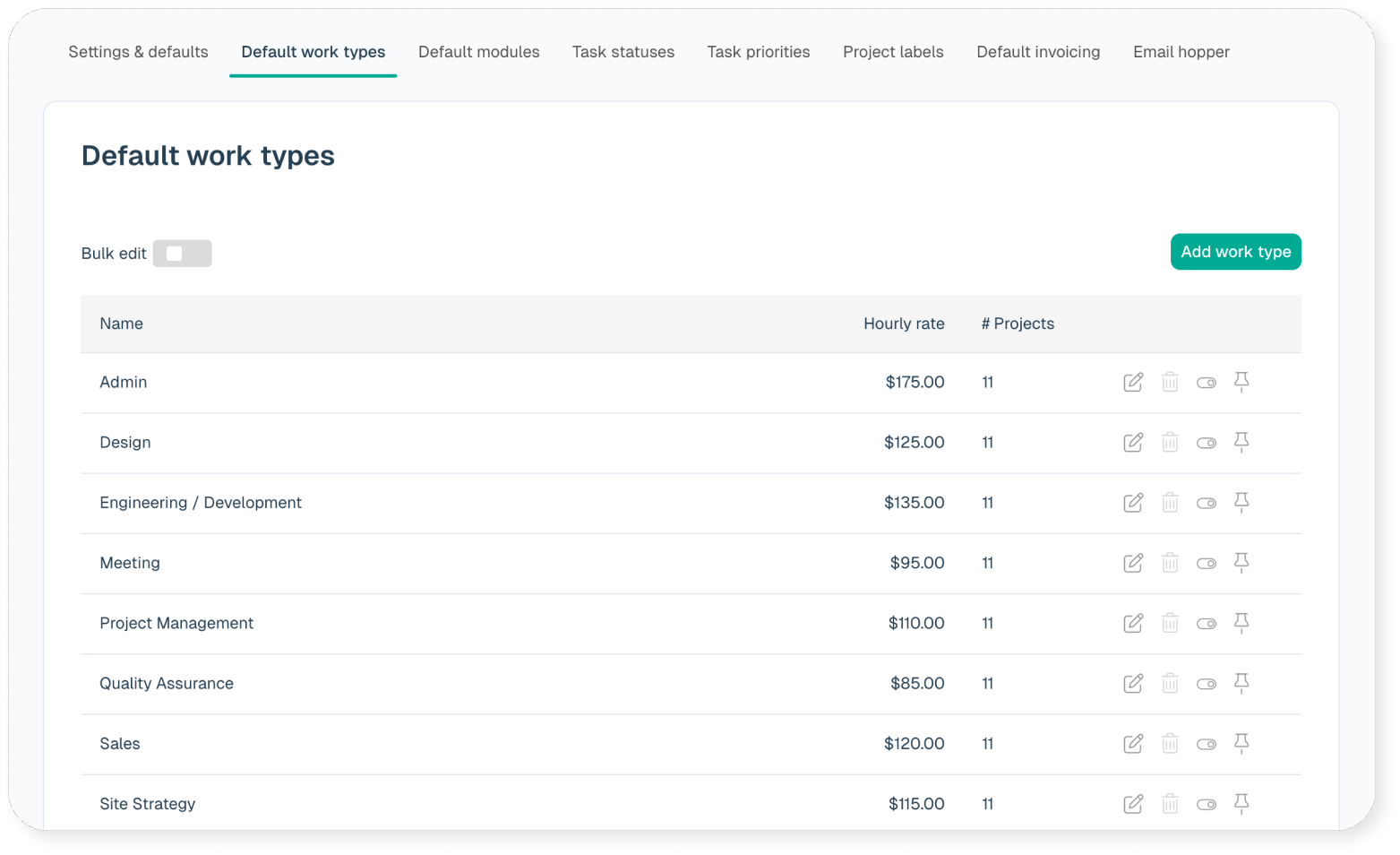
Don’t need the default categories or task status from the Intervals setup? You can create your own. Even the default work types and hourly rates can be modified.
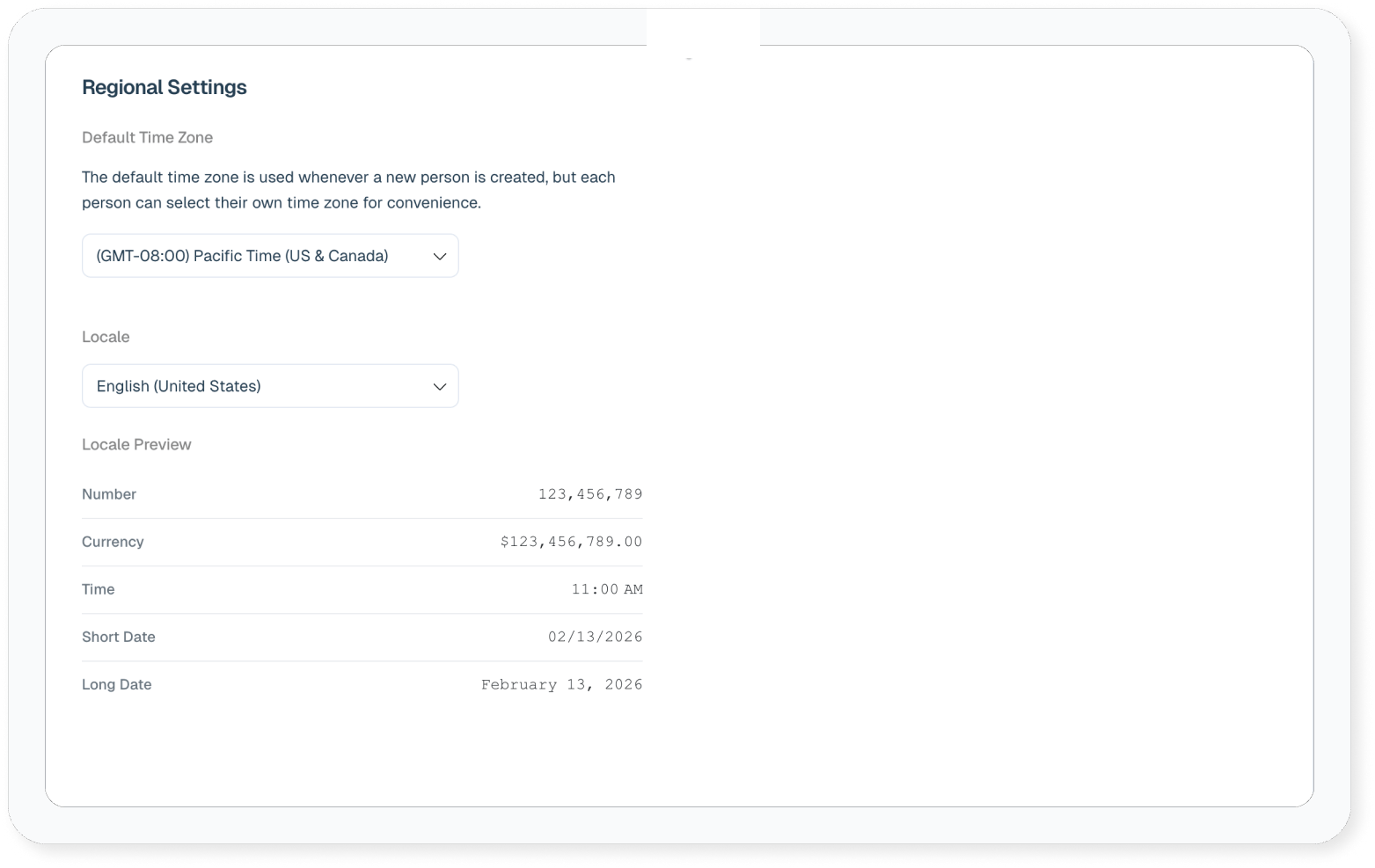
Want to run your numbers in a different date format? Select a different locale under “Regional Settings.”
We like to call Intervals “bendable.” Flexibility is built-in. We originally created it for our own unique pains as a web design and development shop, but Intervals solves problems common to many different industries: effectively tracking time, managing tasks with meaningful reports, and providing a place to organize all your work.
Intervals is being used in over 100 countries and is supporting industries we never imagined would make use of Intervals.